What’s new and improved in Clio

Discover this year’s top releases and enhancements that help simplify how law firms do business.

Discover What's New in Clio Illustration

Explore Clio’s newest features

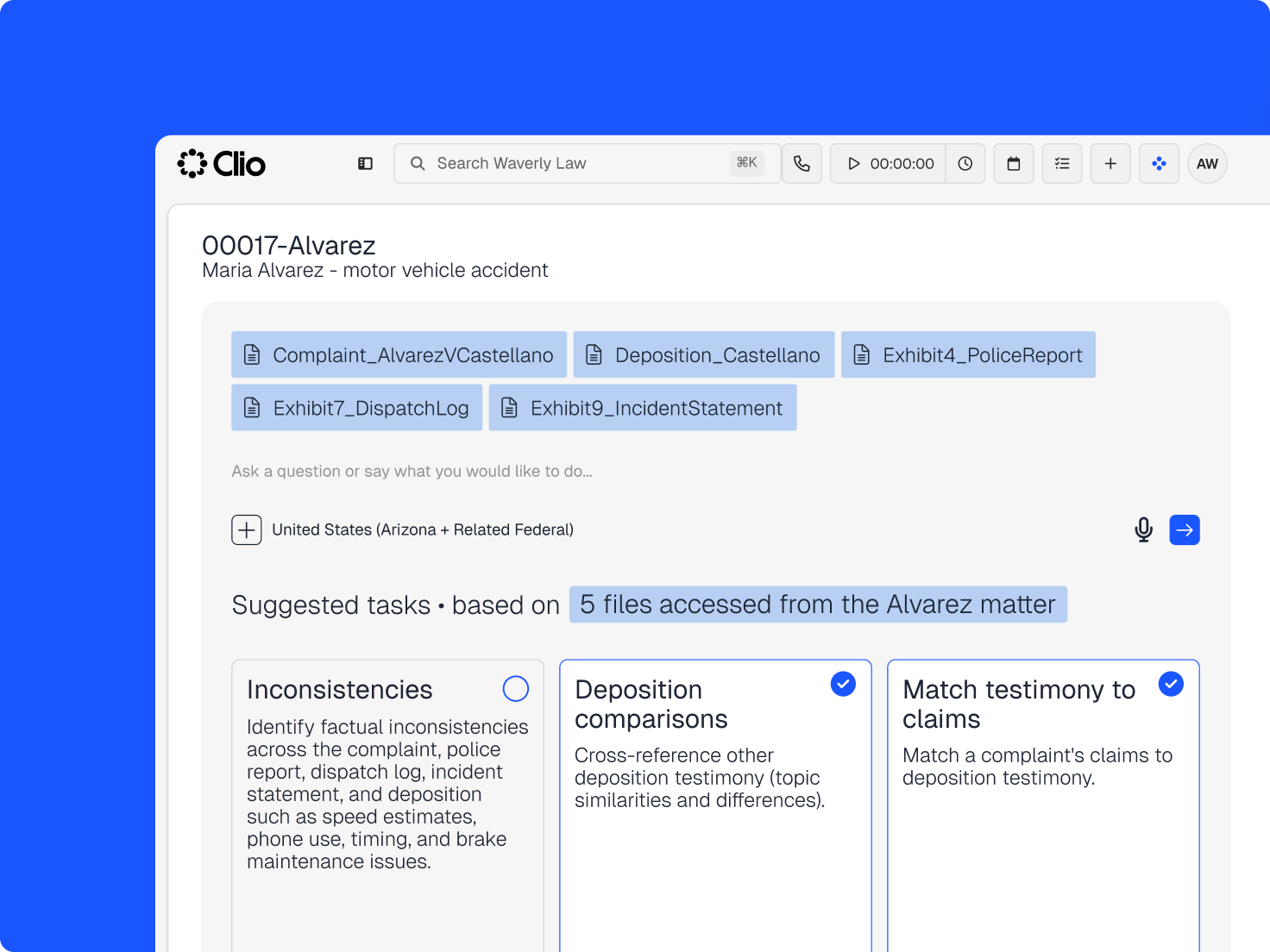
  • Take action on your matter right from Clio Work

    Take action on your matter right from Clio Work

    Take the action you need to keep your matter moving forward. Just ask Clio Work to get it done without ever having to jump back to Clio Manage.

    Check out Clio Work
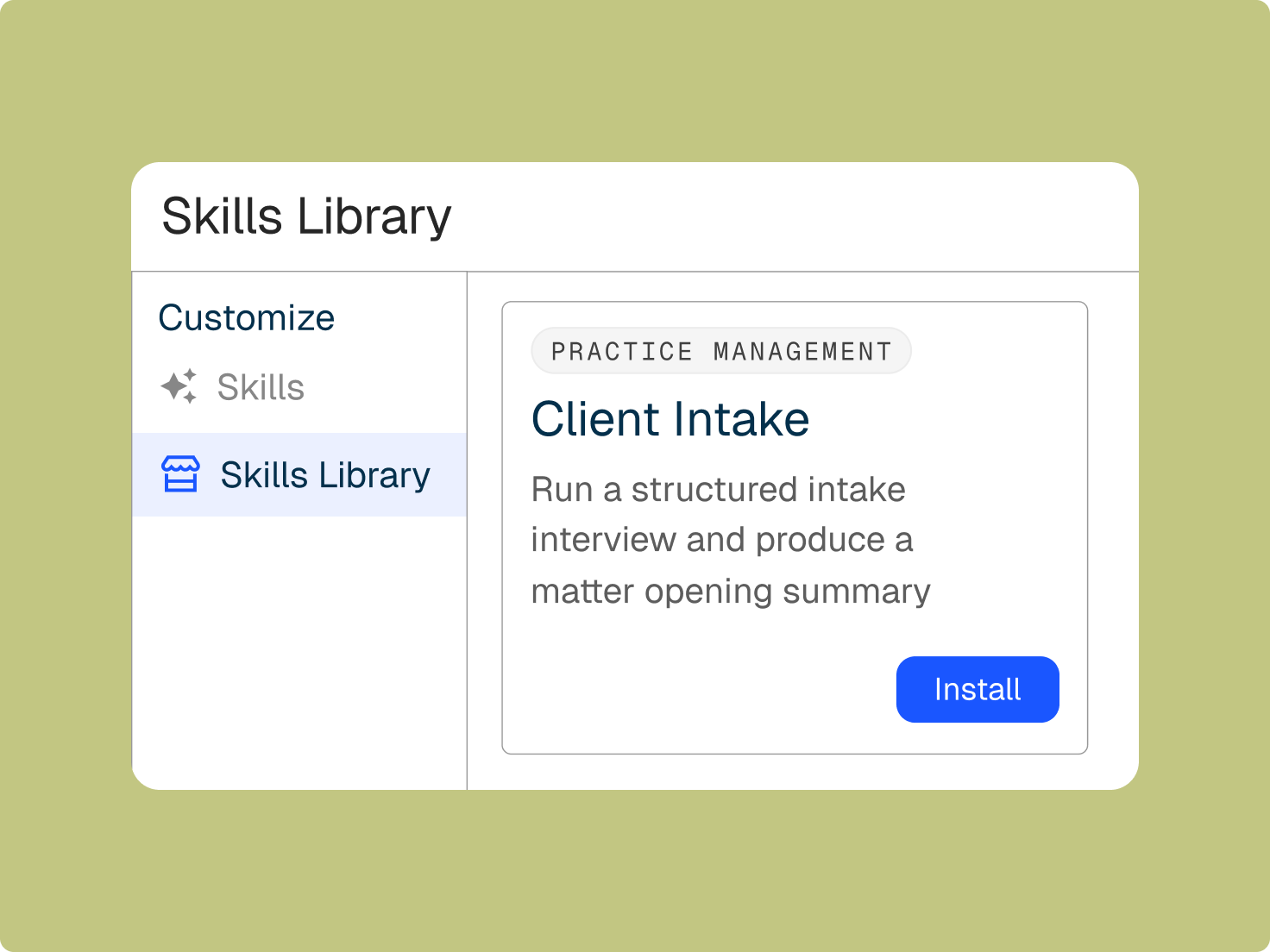
  • Get consistent outputs based on how you work with Skills in Clio Work

    Tell Clio Work how you like a task done, and save it as a Skill. Best for repeatable, context heavy work like demand letters, client updates or discovery summaries.

    Learn more
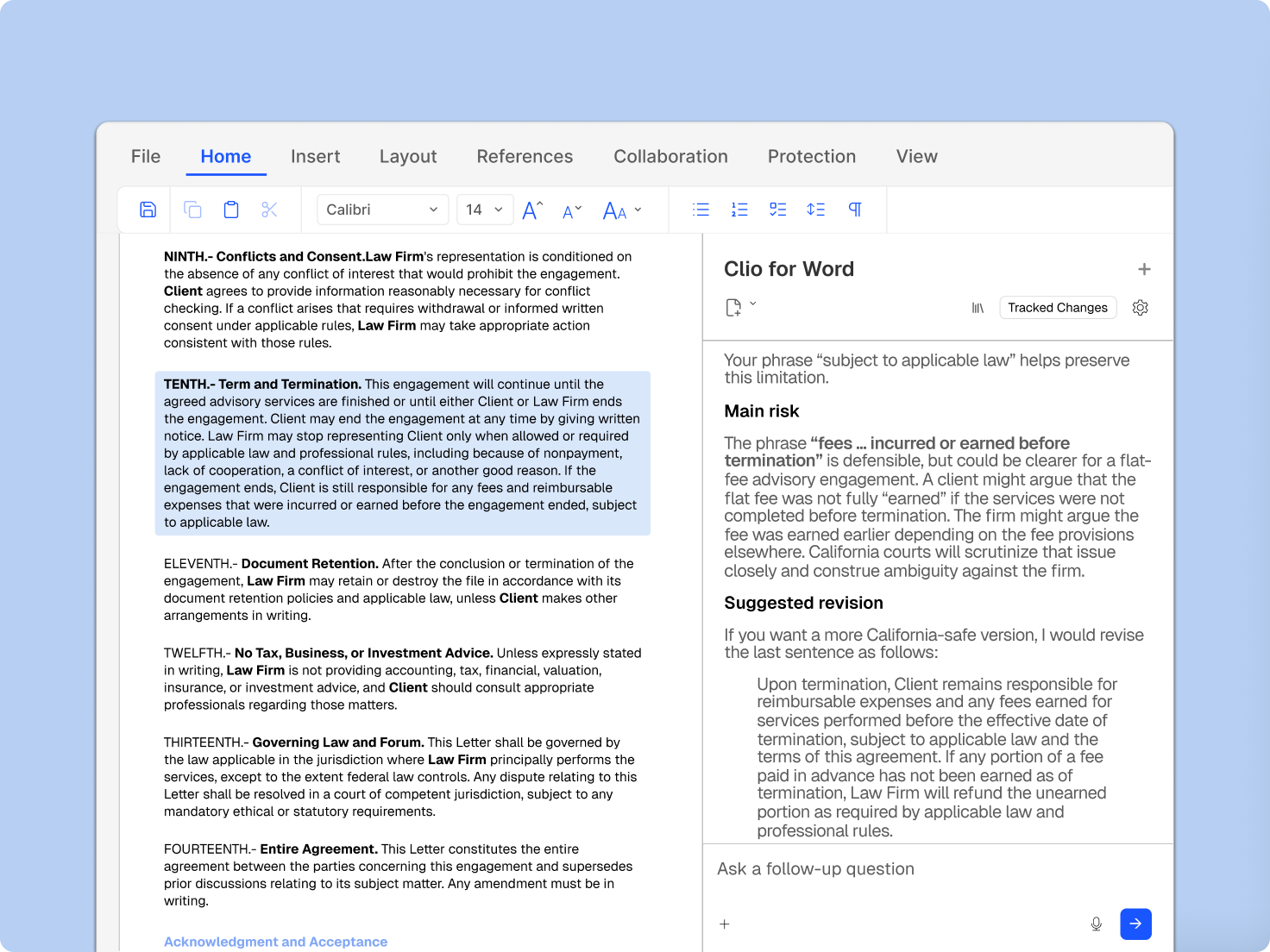
  • Draft legal documents in Microsoft Word, powered by Clio

    Draft legal documents in Microsoft Word, powered by Clio

    Clio for Word brings your matter data directly into Microsoft Word. Generate and update documents using the context from your cases, without switching between tools.

    Check it out
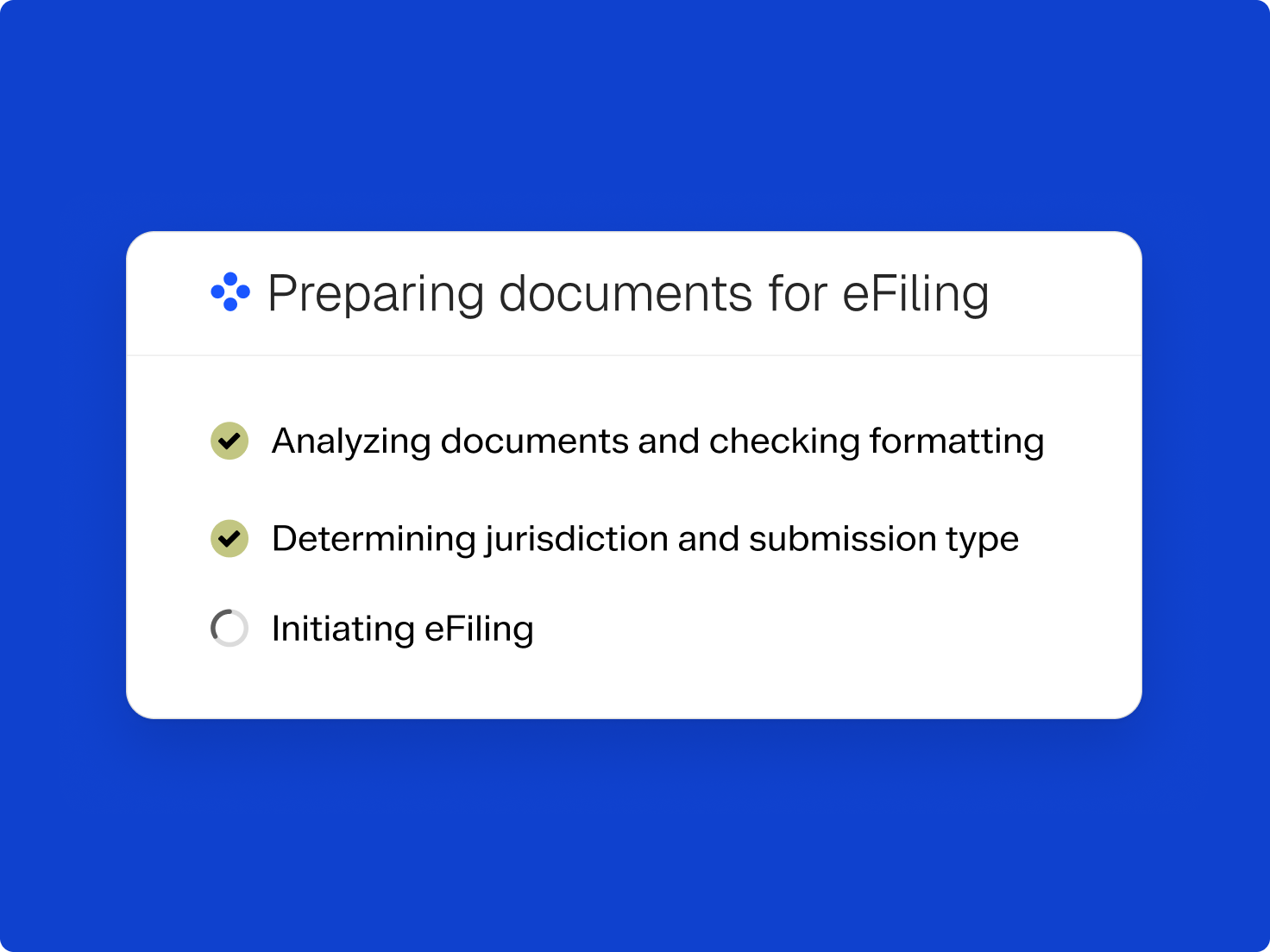
  • Clio File - Auotfill - Animation

    Fill court forms faster with AI-powered autofill

    Clio File now uses AI to automatically populate court forms using your matter data, which reduces manual entry and the risk of errors on every filing.

    Try Clio File
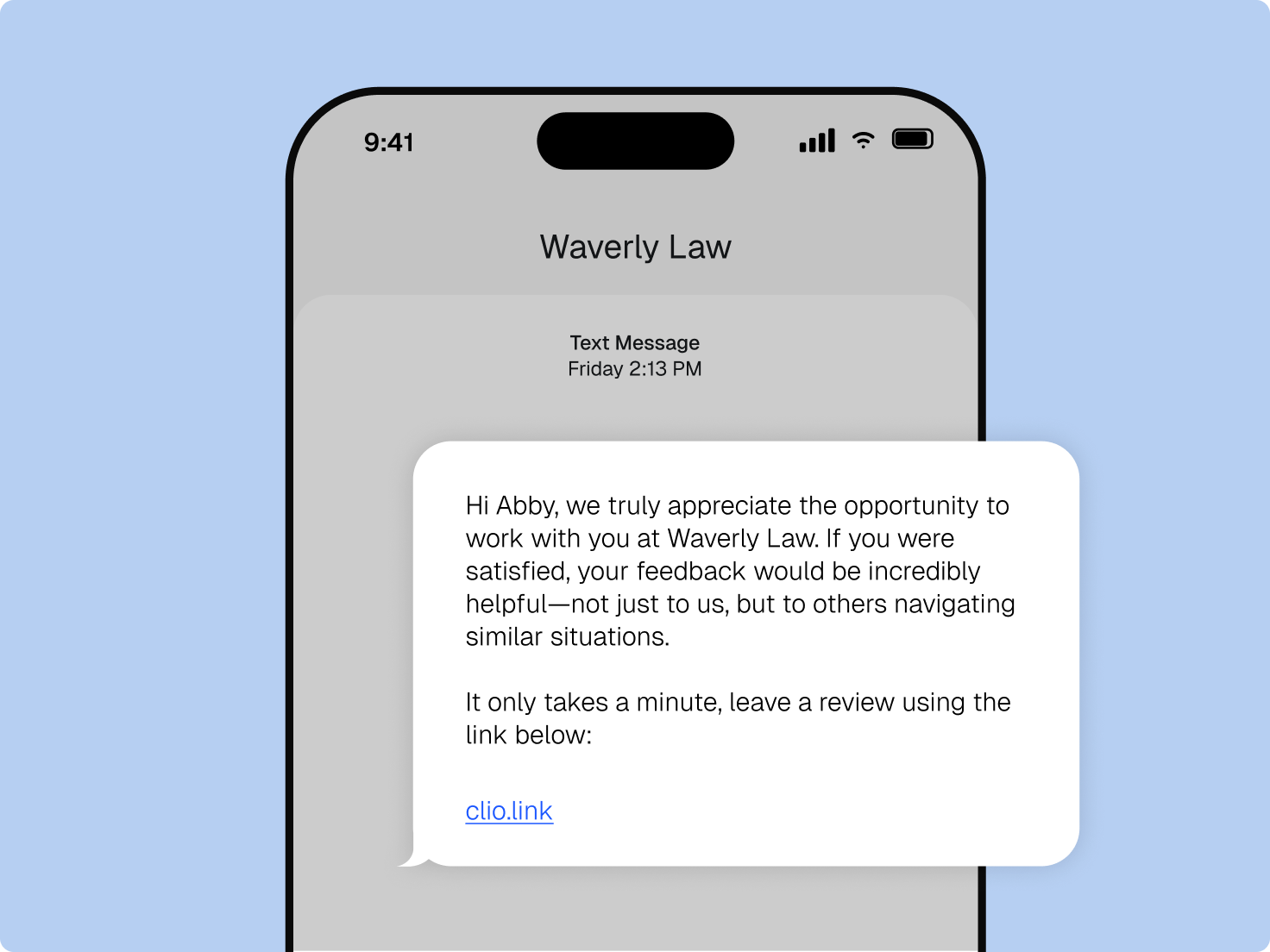
  • Grow your reputation on autopilot

    Grow your reputation on autopilot

    Send review requests automatically when a matter closes. Boost your review volume and ensure your firm stands out when potential clients search for legal services on Google or through AI tools.

    Explore reputation management
  • Vincent Clio Work Write an update Medium US

    Introducing Clio Work

    Get to know Clio Work, the first and only AI that understands your cases, their context, and the law – delivering research, analysis, and strategy you can trust.

    Get a Demo
  • Product Demo Motion Graphic Clio Grow Manage AI Launchpad compressed GIF

    Turn routine tasks into completed work with Manage AI

    Use AI in Clio Manage to transform court documents into calendar events, matter activity into high-quality client updates, and time or expense entries into payment-ready bills.

    Meet Manage AI
English Vincent Mobile App Simplified UI

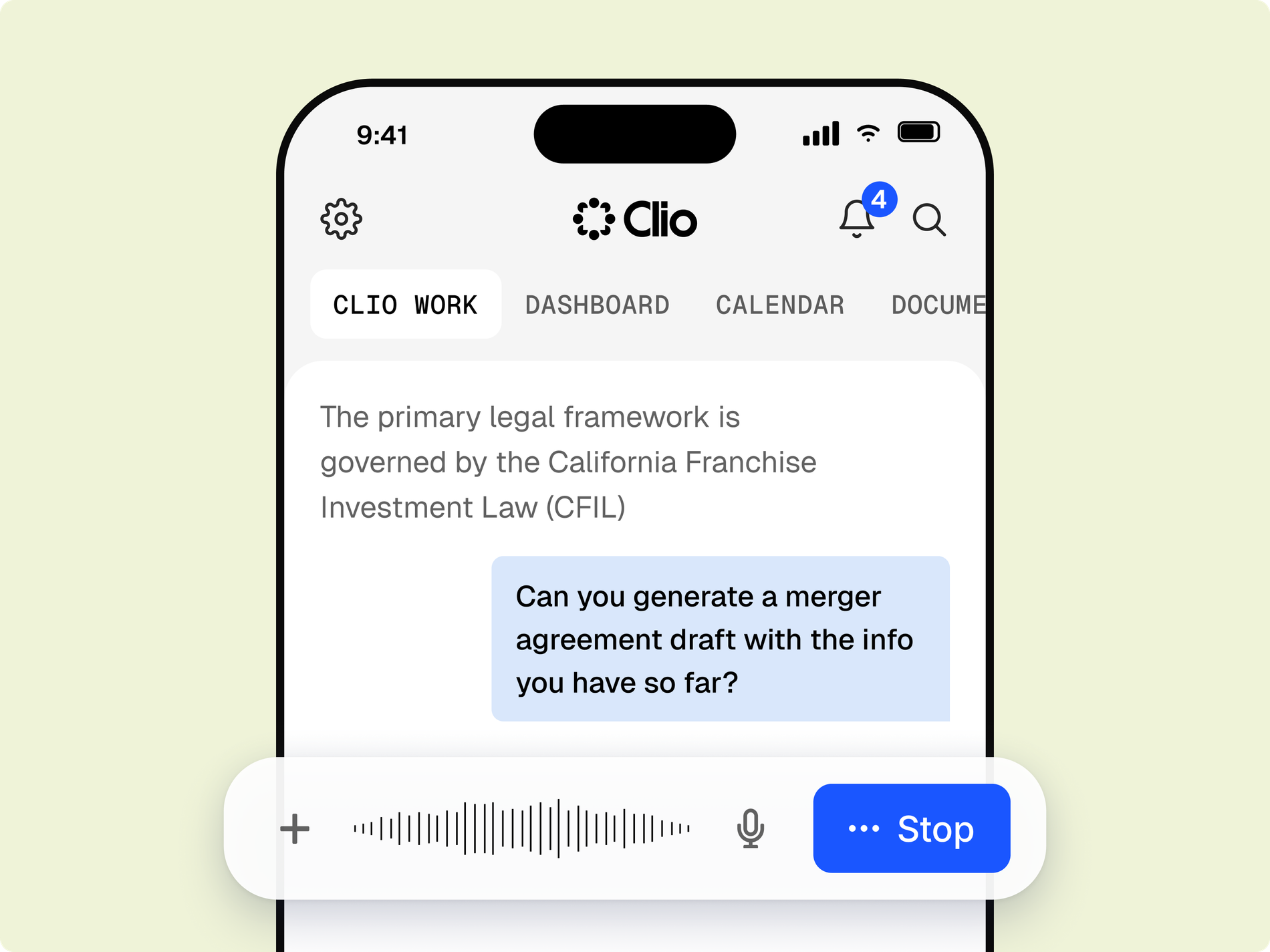
Clio Work now available on mobile

Take Clio Work with you. Ask questions, analyze documents, and explore AI-powered legal insights directly from your phone.

Download on the App Store

Download on Google Play Store

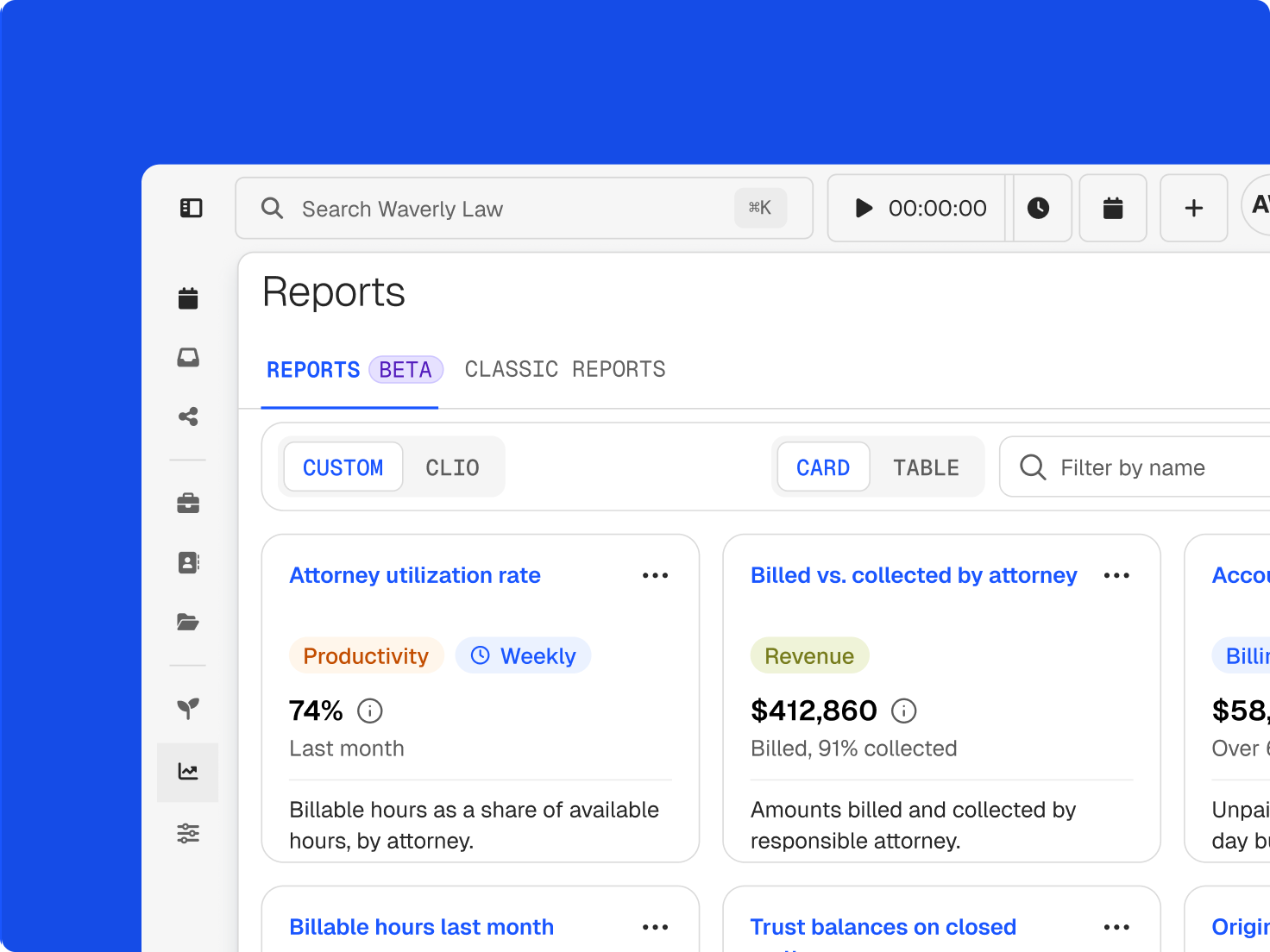
  • Screenshot of the Clio Manage New Custom Report screen. A user checks the Client reference number column field.

    Custom reports built for your firm

    Easily tailor reports to your needs with flexible filters and groupings, then save and share them in PDF, Excel, or CSV for faster insights.

    Learn more
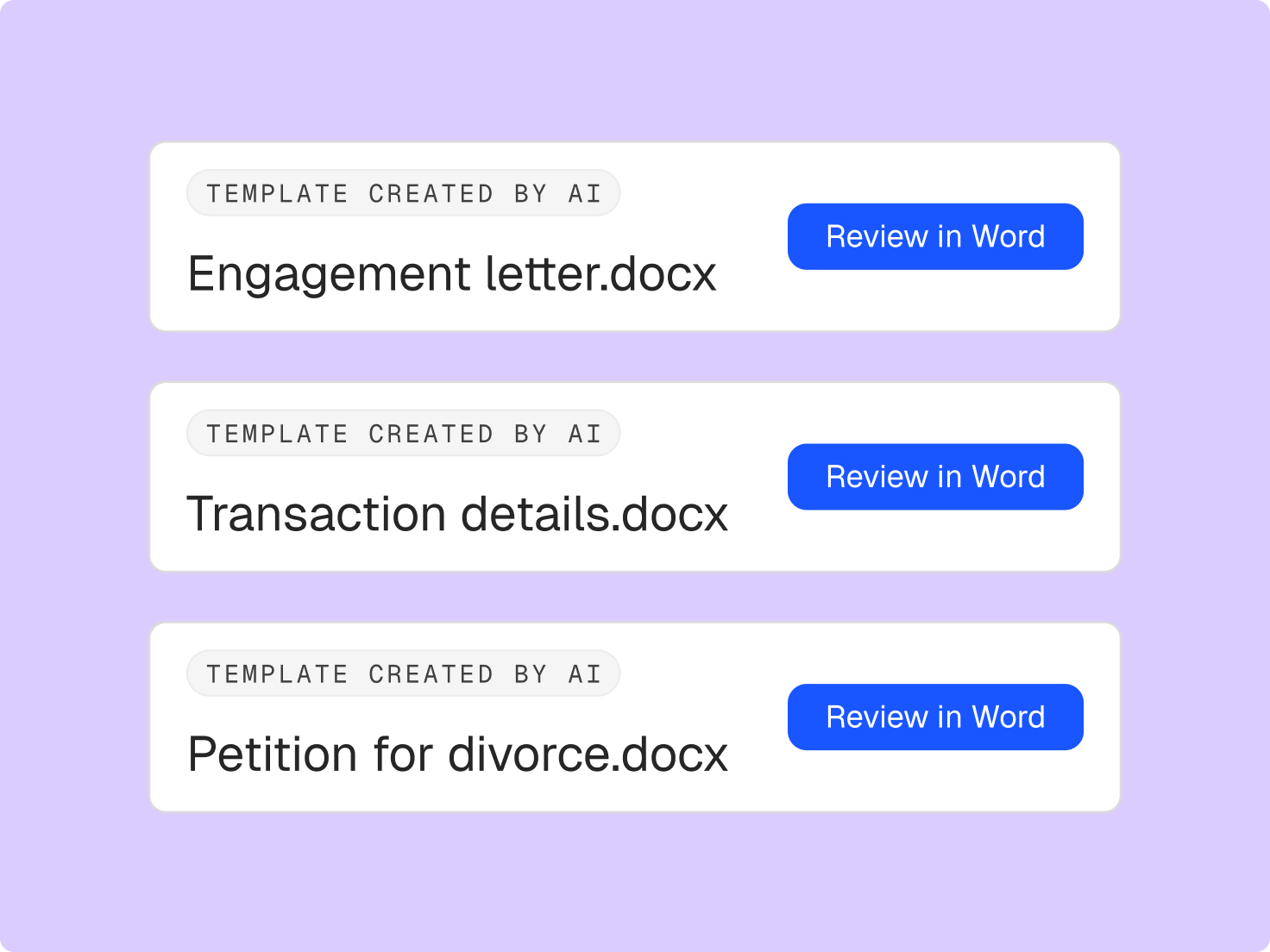
  • Clio Draft screen showing Templates created with files Engagement letter.docx, Transaction details.docx, and Petition for divorce.docx.
    Clio Draft screen showing Templates created with files Engagement letter.docx, Transaction details.docx, and Petition for divorce.docx.

    Level up your efficiency with AI-powered document drafting

    Start drafting faster with AI that turns your documents into reusable templates for you, and standard templates preloaded on day one. Plus AI-powered questionnaires draft questions and proactively ensure you’re only asking the right ones.

    Check it out
  • Two mobile screens show a $3,000 legal fee payment to Waverly Law and Affirm payment plan options.
    Two mobile screens show a $3,000 legal fee payment to Waverly Law and Affirm payment plan options.

    Get paid upfront, while clients pay at their own pace

    Stop chasing, start collecting. Using Pay Later with Affirm, you get paid upfront while clients pay in smaller monthly installments.

    Learn more
  • Feature Animation Clio Manage Clio File E filing 2025

    Clio File is here!

    Electronically file and serve court documents to courts in Texas, Georgia, California, Virginia, Illinois, and Nevada—all from the same place you manage your firm in Clio. More states and jurisdictions are on the way!

    Check it out

Not a Clio user? Book a demo here to learn about all these features and more.

Book a demo

Popular product enhancements

Your to-do list, built for you

Your to-do list, built for you

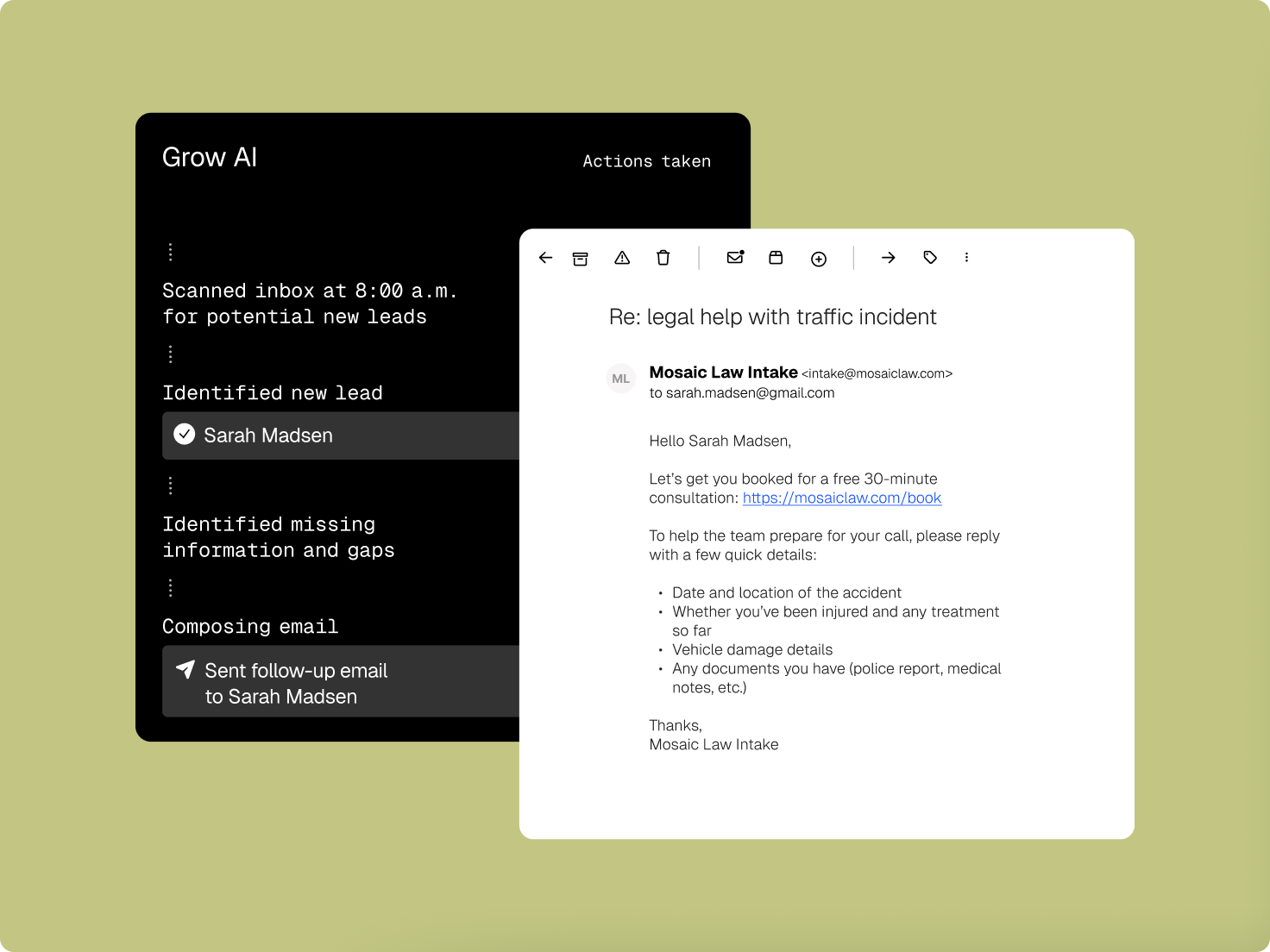
Clio turns your emails, notes, and client messages into fully drafted tasks, with the description, assignee, due date, and linked matter already filled in so you don’t have to.

Learn more

Apply the right tax rate to every invoice

Apply the right tax rate to every invoice

Set up and apply multiple tax rates to individual line items on your bills. This ensures every invoice is accurate, no matter the jurisdiction or practice area.

Learn more

Document automation now supports Multi-Client Matters

Simplified Product UI_Multi-Client Matters Document Automation

Generate documents that automatically include all clients on a matter, or select which client’s information populates the document. No more manual edits or template workarounds.

Learn more

Print checks directly from Clio Accounting

Clio Accounting Template

Generate and print checks from within Clio Accounting to pay vendor bills and manage firm expenses. This keeps your bookkeeping and payments in one place.

Learn more

Record and bill expenses across currencies

Multi-currency expense billing

Track time, activities, and expenses in your default currency and convert when generating invoices. Every bill will reflect the right amount, no matter where your clients are.

Learn more

Attach receipts directly to expense entries

Attaching Expense Receipts

Capture and attach receipts to expense records right in Clio. This keeps your billing documentation organized and eliminates the need to track down supporting files when it’s time to bill.

Learn more

Intake and billing stay in sync for multi-client matters

Clio Grow Multi-Client Matters

Designate multiple clients on a matter in Clio Grow and have that information carry over automatically when it converts to Clio Manage. Your records remain accurate from intake to billing, with no manual updates needed.

Learn more

Upload documents to the Client Portal in bulk

Client Portal - Bulk upload attachments

Upload multiple files to the client portal in one go, which saves time when sharing large batches of documents with clients.

Explore the Client Portal

Make your bills look like your brand

Bill Template Editor Edit Billing Template

Build fully customized invoice templates. Adjust formatting, organize line items, and choose layouts that reflect your firm and client preferences.

Explore billing

Find what you need in Clio Manage, faster

Simplified Product UI Search Bar Improvements in Manage

Clio Manage now offers granular filters, tags, and a preview panel to help you quickly locate the firm data you’re looking for, less scrolling, more doing.

Explore search in Clio

Manage all your vendor bills in one place

Manage all your vendor bills in one place

Manage vendor bills, track due dates, and record payments in a dedicated Accounts Payable workspace designed for legal accounting.

Learn more

Submit LEDES bills with confidence

LEDES Billing

Reduce billing errors and avoid rejected or partially paid invoices. Make UTBMS and activity codes mandatory for specific matters, access a modernized code library, and download bills in additional file formats beyond 1998B and 1998BI, so you spend less time fixing errors and more time getting paid.

Learn more

Get bills paid automatically with Autocharge

Get bills paid automatically with Autocharge

Never run a card payment again. Autocharge ensures bills are paid based on pre-set triggers, which saves you the hassle of running every charge yourself.

Learn more

Easier ways to get paid at intake

Payments in Grow Request Payment

Get paid at intake without any extra work. Request payment right from Clio Grow, which makes it effortless to get paid for consults, retainers, and more.

Learn more

Get deeper insight into your payment activity

Clio Manage Custom Reports

Build custom reports on your Clio Payments data to track collections, outstanding balances, and payment trends. This gives you the visibility you need to manage your firm’s cash flow.

Learn more

Clio Work remembers how you work

Clio Work Memory retains context about your preferences, clients, and past interactions, so every AI response gets more tailored and useful over time, without you having to repeat yourself.

Check out Clio Work

Choose how you report on your firm’s finances

Simplified Product UI Clio Accounting NA Accrual Accounting Balance Sheet US

Switch between cash and accrual reporting in Clio Accounting. View revenue and expenses in the period they’re earned or incurred — giving you more ways to view your firm’s financial health.

Learn more

Manage vendor bills in one place

Accounts payable Funds out US Simple UI

Navigate through a dedicated Accounts Payable workspace to record vendor bills upon receipt, track due dates, and manage payments in one place.

Learn more

eService now available in California

efiling meta image customer landing page

Pendo Clio Manage Clio File Clio's In Your Court California Resource Center

Electronically serve documents in California with Clio. Send discovery, correspondence, and other documents directly from Clio Manage.

Learn more

Organize AI outputs into a first draft

vLex Vincent Legal Pad Global mid

Legal Pad is a lightweight editor in Clio Work that helps you turn AI responses into first drafts. Organize ideas, build outlines, and start drafting alongside your AI conversation.

Learn more

Use AI with iManage, NetDocuments, SharePoint, OneDrive, and Google Drive

Cloud storage service logos

Connect your firm’s document management system to Clio Work and pull files directly into AI for analysis from your existing folders without downloading or re-uploading.

Learn more

Reimagined conflict check for a clear go/no decision to represent a client

Scan every corner of Clio Grow and Clio Manage to uncover potential conflicts of interest across contacts, case notes, calendar events, matters, and more.

See it in action

Automate your bookkeeping in Clio Accounting

Screenshot of the Clio Accounting automation screen, showing a list of rules and the Create rule panel.

Turn repetitive bookkeeping into a one-time process. With Clio Accounting, once automation is setup, transactions are automatically categorized and matched—keeping your books consistent and freeing you to focus on the work that matters.

Learn more

Stay on top of Clio’s latest product updates

  • Get answers to your Clio questions, learn more about upcoming pilot programs, and connect with fellow Clio customers.

  • The Law Community Logo